Free templates

Free senior living
marketing templates.

Twenty free texts, scripts, trackers and checklists for senior living sales and marketing teams and new owners. Free to use and share. Just enter your name and email to download.

For sales teams

Sales follow-up
templates.

Answer every call, follow up after every tour and wake up leads that went quiet.

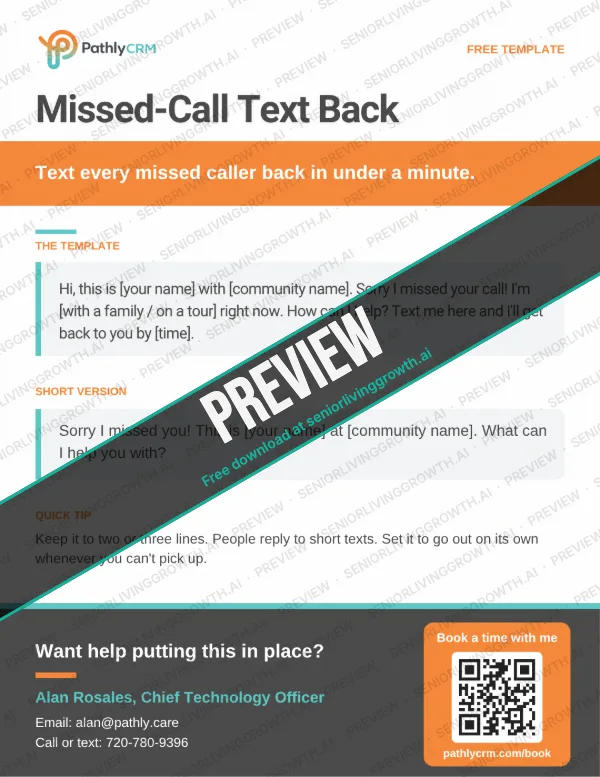
Missed-Call Text Back free template for senior living teams
Text

Missed-Call Text Back

Text every missed caller back in under a minute.

The template

Hi, this is [your name] with [community name]. Sorry I missed your call! I'm [with a family / on a tour] right now. How can I help? Text me here and I'll get back to you by [time].

Short version

Sorry I missed you! This is [your name] at [community name]. What can I help you with?

Quick tip: Keep it to two or three lines. People reply to short texts. Set it to go out on its own whenever you can't pick up.
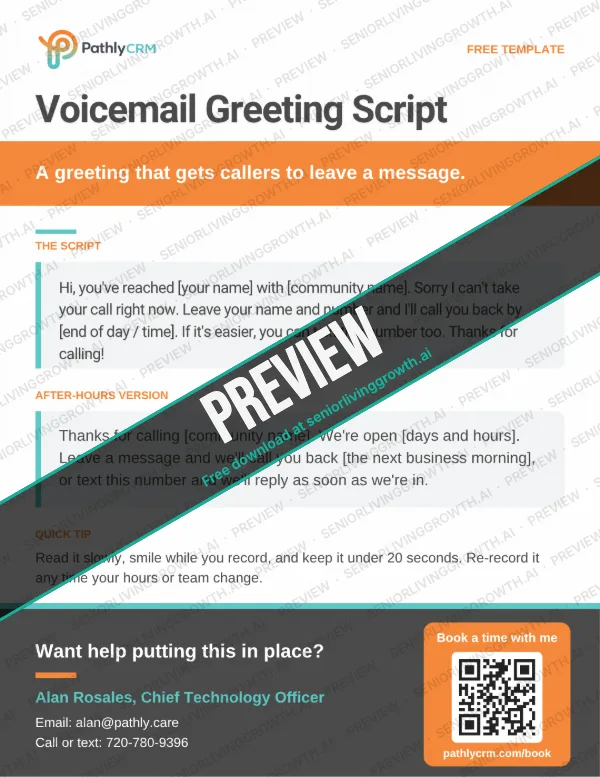
Voicemail Greeting Script free template for senior living teams
Script

Voicemail Greeting Script

A greeting that gets callers to leave a message.

The script

Hi, you've reached [your name] with [community name]. Sorry I can't take your call right now. Leave your name and number and I'll call you back by [end of day / time]. If it's easier, you can text this number too. Thanks for calling!

After-hours version

Thanks for calling [community name]. We're open [days and hours]. Leave a message and we'll call you back [the next business morning], or text this number and we'll reply as soon as we're in.

Quick tip: Read it slowly, smile while you record, and keep it under 20 seconds. Re-record it any time your hours or team change.

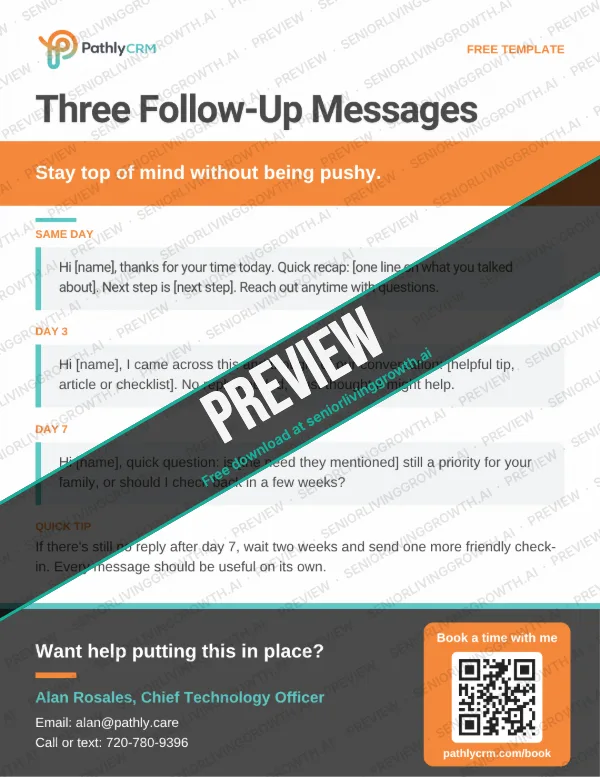
Three Follow-Up Messages free template for senior living teams
Follow-up

Three Follow-Up Messages

Stay top of mind without being pushy.

Same day

Hi [name], thanks for your time today. Quick recap: [one line on what you talked about]. Next step is [next step]. Reach out anytime with questions.

Day 3

Hi [name], I came across this and thought of our conversation: [helpful tip, article or checklist]. No reply needed, I just thought it might help.

Day 7

Hi [name], quick question: is [the need they mentioned] still a priority for your family, or should I check back in a few weeks?

Quick tip: If there's still no reply after day 7, wait two weeks and send one more friendly check-in. Every message should be useful on its own.

Three Post-Tour Messages free template for senior living teams
Follow-up

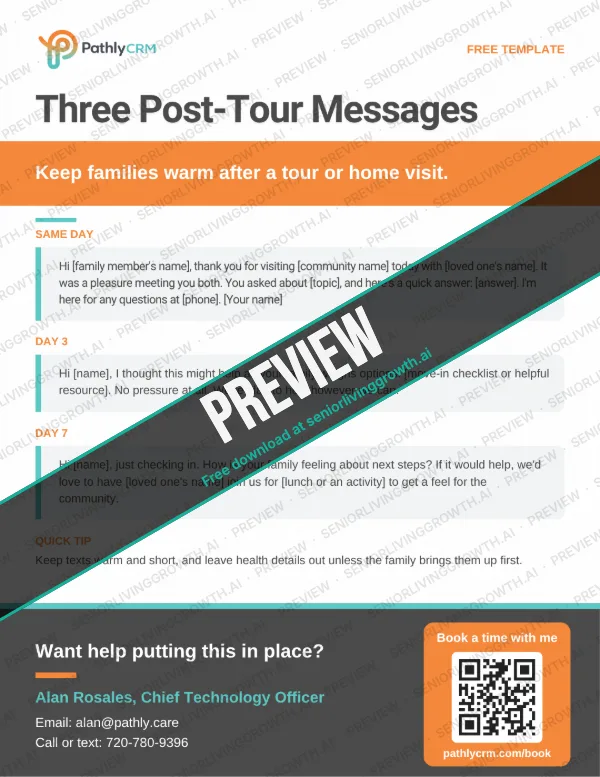
Three Post-Tour Messages

Keep families warm after a tour or home visit.

Same day

Hi [family member's name], thank you for visiting [community name] today with [loved one's name]. It was a pleasure meeting you both. You asked about [topic], and here's a quick answer: [answer]. I'm here for any questions at [phone]. [Your name]

Day 3

Hi [name], I thought this might help as your family weighs options: [move-in checklist or helpful resource]. No pressure at all. We're glad to help however we can.

Day 7

Hi [name], just checking in. How is your family feeling about next steps? If it would help, we'd love to have [loved one's name] join us for [lunch or an activity] to get a feel for the community.

Quick tip: Keep texts warm and short, and leave health details out unless the family brings them up first.

Two Reminder Texts free template for senior living teams
Text

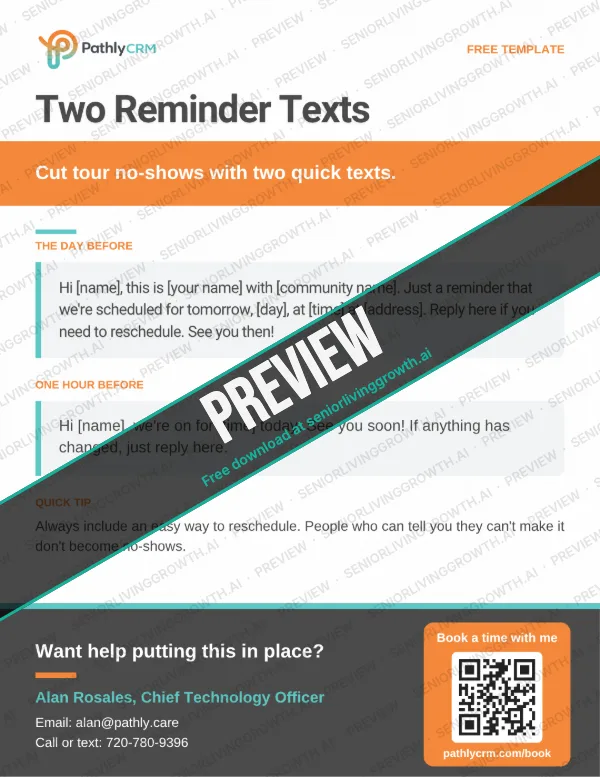
Two Reminder Texts

Cut tour no-shows with two quick texts.

The day before

Hi [name], this is [your name] with [community name]. Just a reminder that we're scheduled for tomorrow, [day], at [time] at [address]. Reply here if you need to reschedule. See you then!

One hour before

Hi [name], we're on for [time] today. See you soon! If anything has changed, just reply here.

Quick tip: Always include an easy way to reschedule. People who can tell you they can't make it don't become no-shows.

Wake Up an Old Lead free template for senior living teams
Follow-up

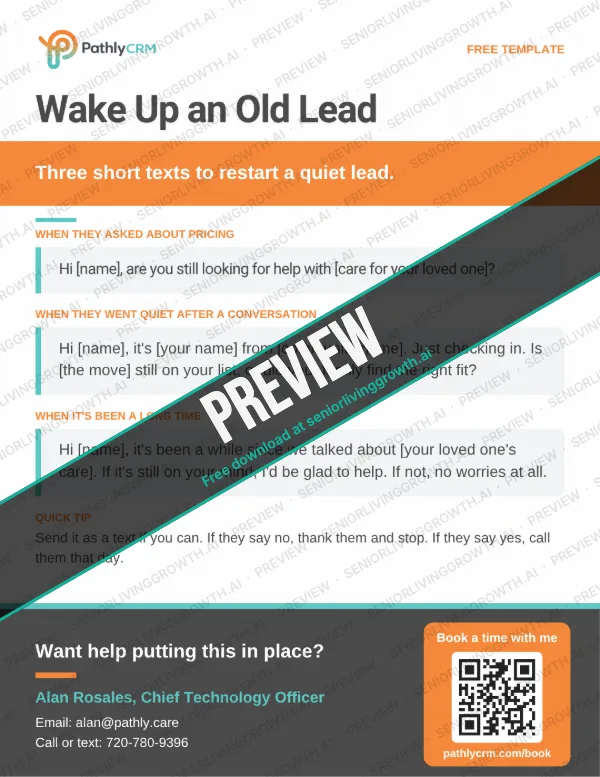
Wake Up an Old Lead

Three short texts to restart a quiet lead.

When they asked about pricing

Hi [name], are you still looking for help with [care for your loved one]?

When they went quiet after a conversation

Hi [name], it's [your name] from [community name]. Just checking in. Is [the move] still on your list, or did your family find the right fit?

When it's been a long time

Hi [name], it's been a while since we talked about [your loved one's care]. If it's still on your mind, I'd be glad to help. If not, no worries at all.

Quick tip: Send it as a text if you can. If they say no, thank them and stop. If they say yes, call them that day.

Weekly Lead Tracker free template for senior living teams
Tracker

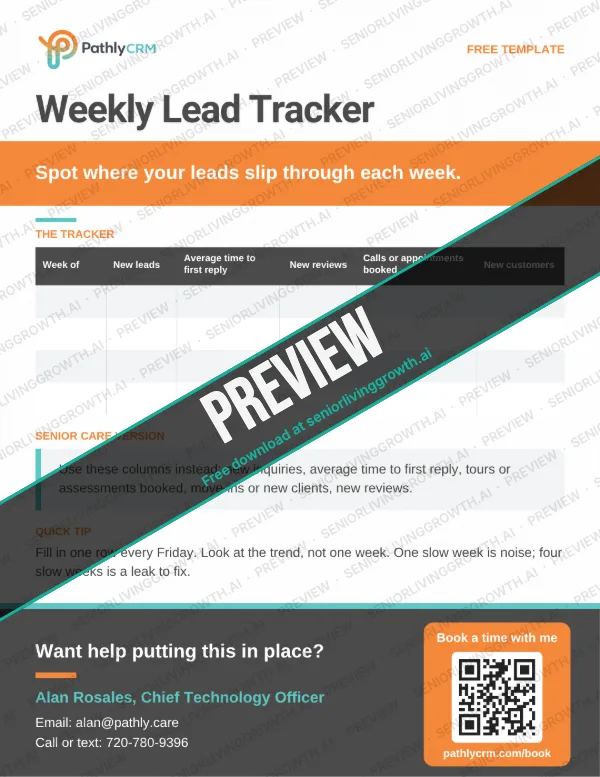
Weekly Lead Tracker

Spot where your leads slip through each week.

The columns

Week of | New inquiries | Average time to first reply | Tours or assessments booked | Move-ins or new clients | New reviews

Quick tip: Fill in one row every Friday. Look at the trend, not one week. One slow week is noise; four slow weeks is a leak to fix.

For marketing teams

Reviews and referral
templates.

Build the reputation families check before they call, and thank the partners who send them your way.

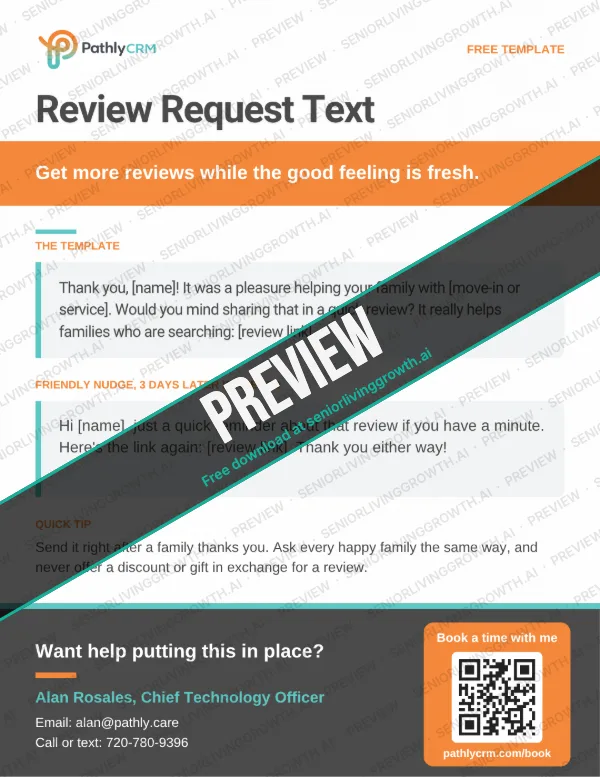
Review Request Text free template for senior living teams
Reviews

Review Request Text

Get more reviews while the good feeling is fresh.

The template

Thank you, [name]! It was a pleasure helping your family with [move-in or service]. Would you mind sharing that in a quick review? It really helps families who are searching: [review link]

Friendly nudge, 3 days later if needed

Hi [name], just a quick reminder about that review if you have a minute. Here's the link again: [review link]. Thank you either way!

Quick tip: Send it right after a family thanks you. Ask every happy family the same way, and never offer a discount or gift in exchange for a review.

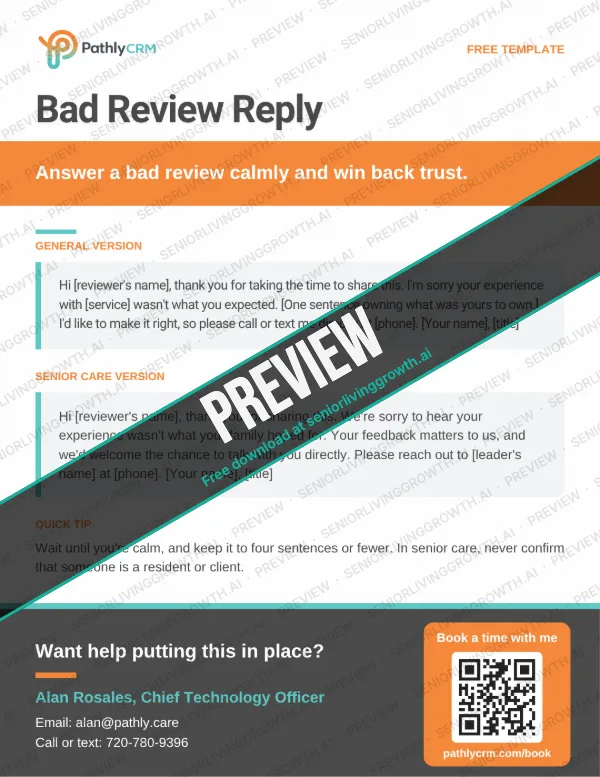
Bad Review Reply free template for senior living teams
Reviews

Bad Review Reply

Answer a bad review calmly and win back trust.

Senior care version

Hi [reviewer's name], thank you for sharing this. We're sorry to hear your experience wasn't what your family hoped for. Your feedback matters to us, and we'd welcome the chance to talk with you directly. Please reach out to [leader's name] at [phone]. [Your name], [title]

General version

Hi [reviewer's name], thank you for taking the time to share this. I'm sorry your experience with [service] wasn't what you expected. [One sentence owning what was yours to own.] I'd like to make it right, so please call or text me directly at [phone]. [Your name], [title]

Quick tip: Wait until you're calm, and keep it to four sentences or fewer. In senior care, never confirm that someone is a resident or client.

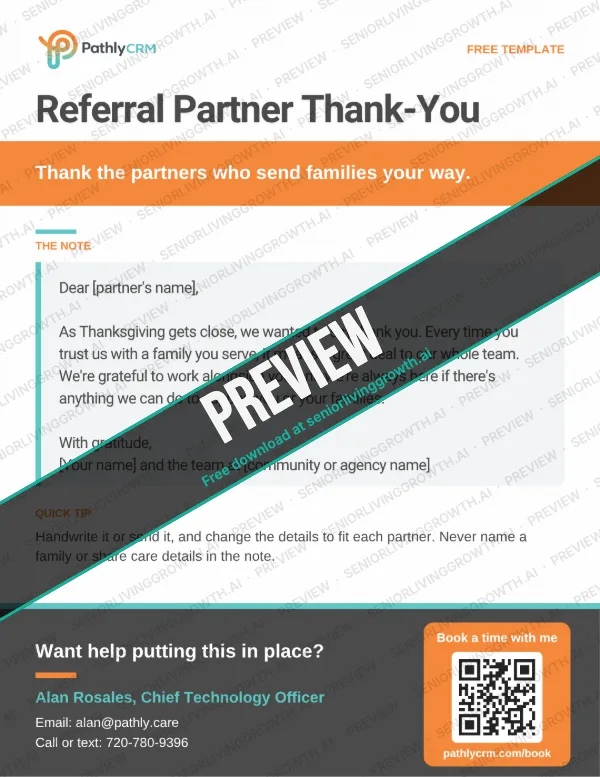
Referral Partner Thank-You free template for senior living teams
Referrals

Referral Partner Thank-You

Thank the partners who send families your way.

The note

Dear [partner's name], as Thanksgiving gets close, we wanted to say thank you. Every time you trust us with a family you serve, it means a great deal to our whole team. We're grateful to work alongside you, and we're always here if there's anything we can do to support you or your families. With gratitude, [Your name] and the team at [community or agency name]

Quick tip: Handwrite it or send it, and change the details to fit each partner. Never name a family or share care details in the note.

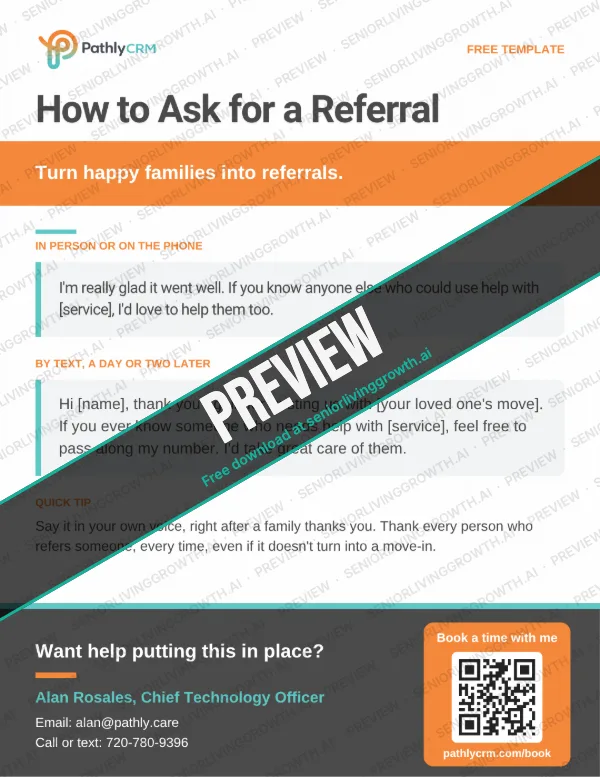
How to Ask for a Referral free template for senior living teams
Referrals

How to Ask for a Referral

Turn happy families into referrals.

In person or on the phone

I'm really glad it went well. If you know anyone else who could use help with [service], I'd love to help them too.

By text, a day or two later

Hi [name], thank you again for trusting us with [your loved one's move]. If you ever know someone who needs help with [service], feel free to pass along my number. I'd take great care of them.

Quick tip: Say it in your own voice, right after a family thanks you. Thank every person who refers someone, every time, even if it doesn't turn into a move-in.

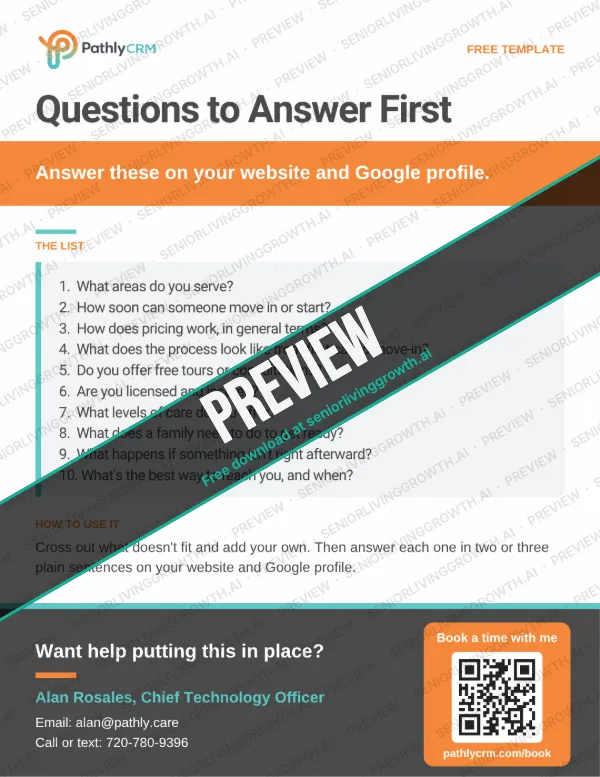
Questions to Answer First free template for senior living teams
Website

Questions to Answer First

Answer these on your website and Google profile.

The list

1. What areas do you serve? 2. How soon can someone move in or start? 3. How does pricing work, in general terms? 4. What does the process look like from first call to move-in? 5. Do you offer free tours or consultations? 6. Are you licensed and insured? 7. What levels of care do you offer? 8. What does a family need to do to get ready? 9. What happens if something isn't right afterward? 10. What's the best way to reach you, and when?

Quick tip: Cross out what doesn't fit and add your own. Then answer each one in two or three plain sentences on your website and Google profile.

For new owners

Takeover and website
checklists.

Just bought a home or community? Print these one-page checklists to take over every account, keep every lead and fix your website. They match the steps in our new owners guide.

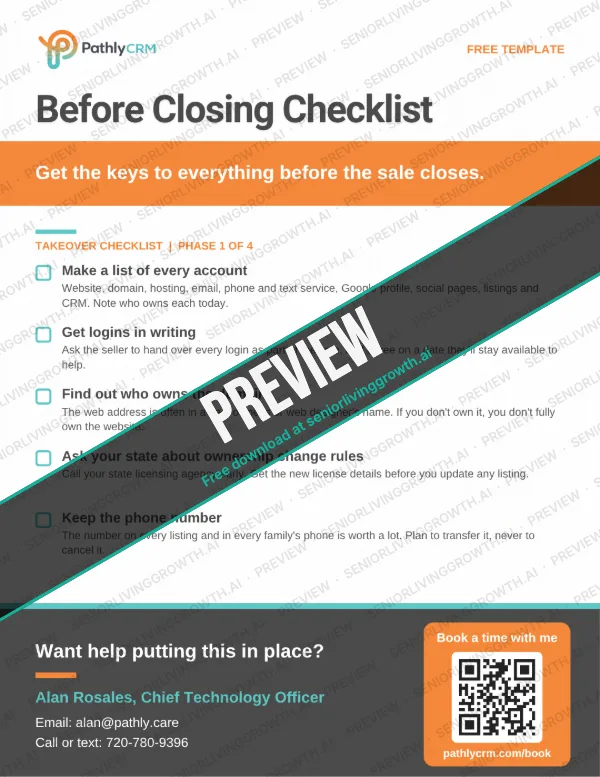
Before Closing Checklist free printable template for new senior living owners
Phase 1

Before Closing Checklist

Get the keys to everything before the sale closes.

What's on it

  • Make a list of every account
  • Get logins in writing
  • Find out who owns the domain
  • Ask your state about ownership change rules
  • Keep the phone number

Quick tip: Do this before you sign. Once the seller has moved on, getting logins back can take weeks.

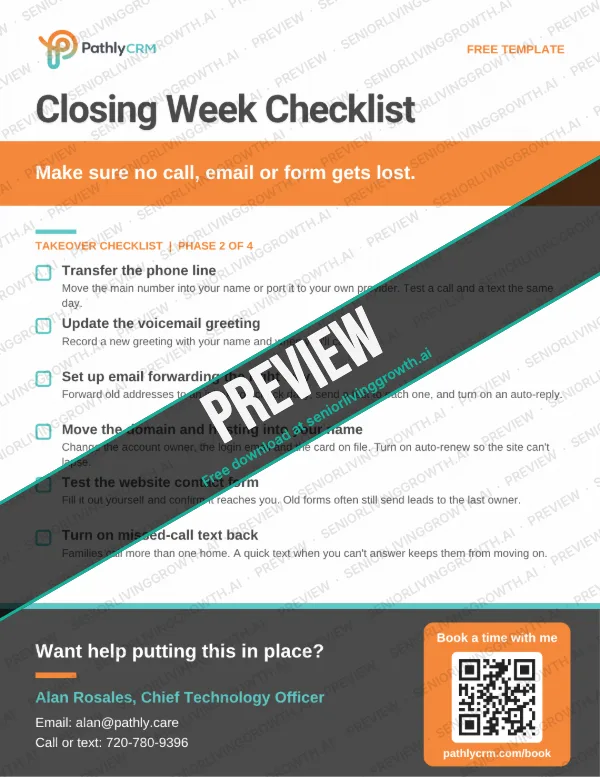
Closing Week Checklist free printable template for new senior living owners
Phase 2

Closing Week Checklist

Make sure no call, email or form gets lost.

What's on it

  • Transfer the phone line
  • Update the voicemail greeting
  • Set up email forwarding the right way
  • Move the domain and hosting into your name
  • Test the website contact form
  • Turn on missed-call text back

Quick tip: Test everything the day it moves. Call the number, send a text and fill out the form yourself.

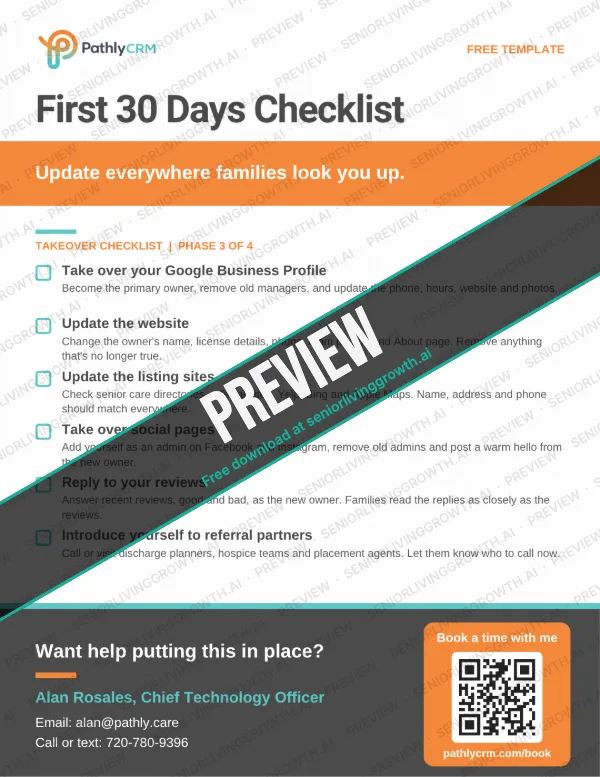
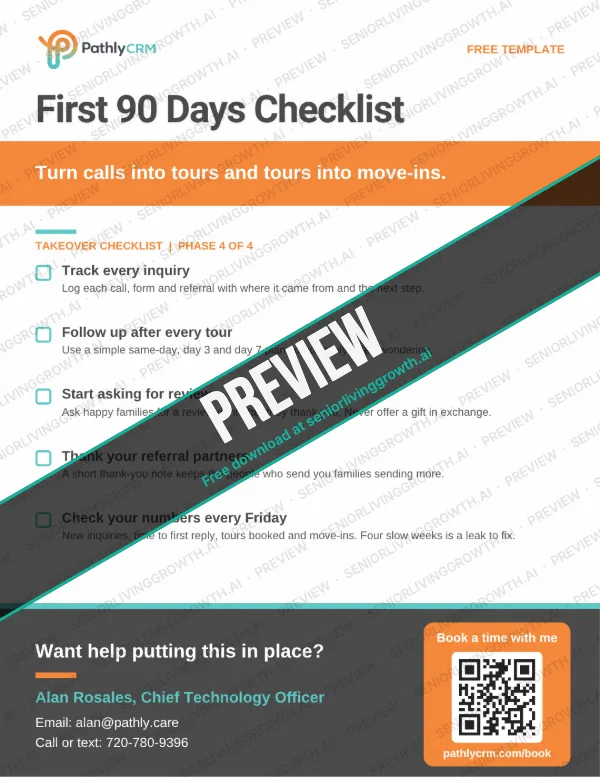
First 30 Days Checklist free printable template for new senior living owners
Phase 3

First 30 Days Checklist

Update everywhere families look you up.

What's on it

  • Take over your Google Business Profile
  • Update the website
  • Update the listing sites
  • Take over social pages
  • Reply to your reviews
  • Introduce yourself to referral partners

Quick tip: Start with Google. It's where most families find you, read reviews and call from.

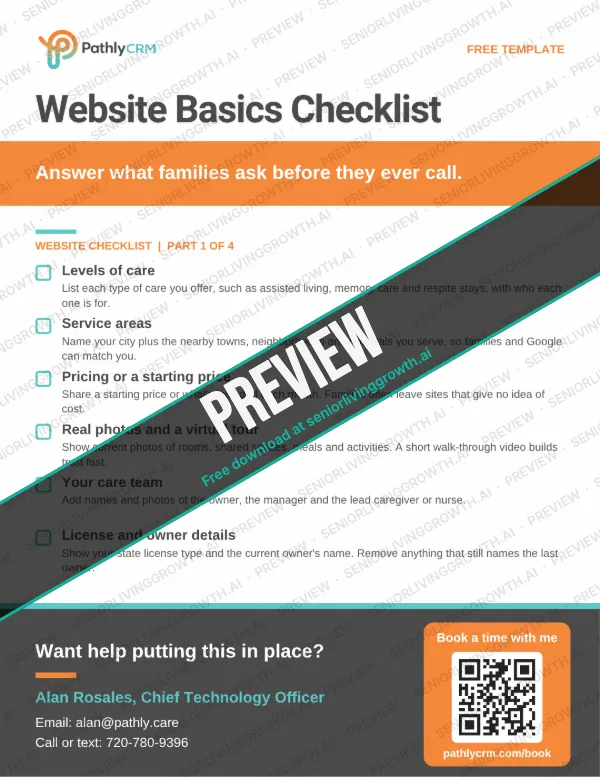
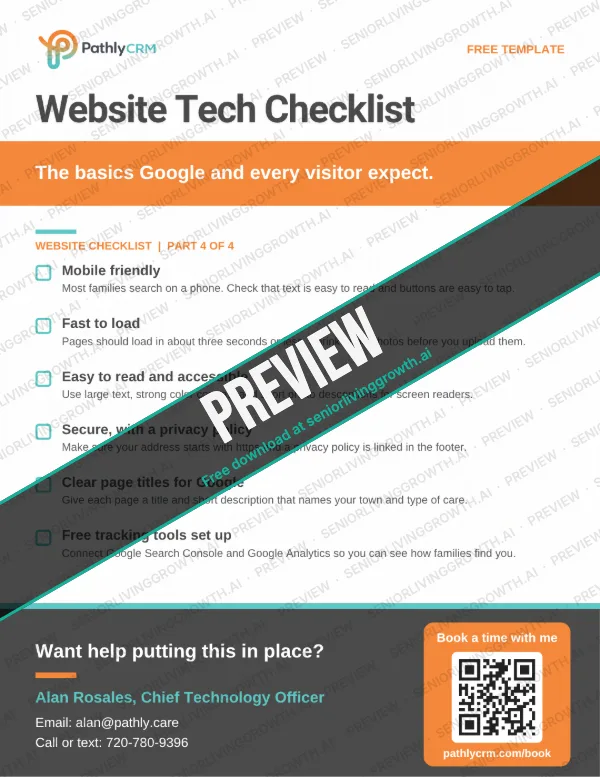
Website Basics Checklist free printable template for new senior living owners
Website part 1

Website Basics Checklist

Answer what families ask before they ever call.

What's on it

  • Levels of care
  • Service areas
  • Pricing or a starting price
  • Real photos and a virtual tour
  • Your care team
  • License and owner details

Quick tip: Read your site on your phone the way a worried family member would. Anything they can't find fast, add.

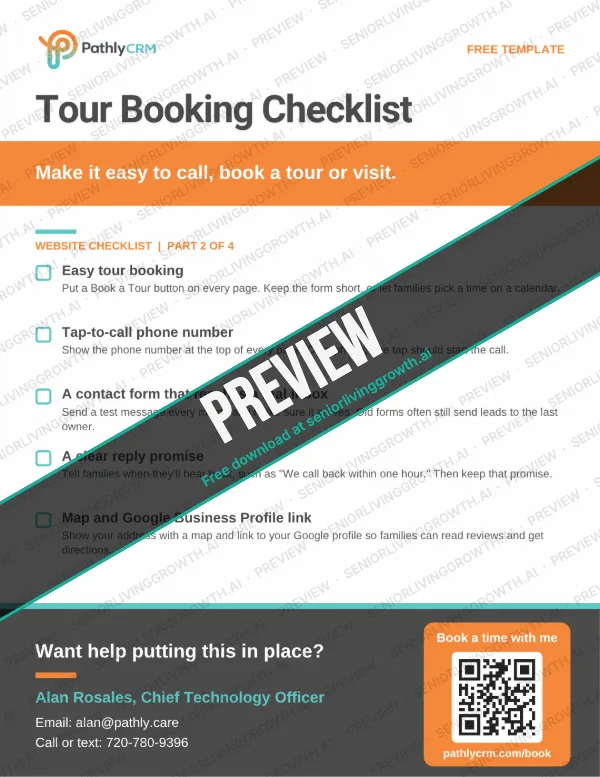
Tour Booking Checklist free printable template for new senior living owners
Website part 2

Tour Booking Checklist

Make it easy to call, book a tour or visit.

What's on it

  • Easy tour booking
  • Tap-to-call phone number
  • A contact form that reaches a real inbox
  • A clear reply promise
  • Map and Google Business Profile link

Quick tip: Book a tour on your own site once a month. If it's hard for you, it's hard for families too.

From the blog

Guides that go with
these templates.

Start with these, then see the newest sales and marketing articles below.

See all articles

Questions

Good to
know.

Are these templates really free?

Yes. Every template on this page is free to use, change and share with your team. There's no cost. Just enter your name and email to download.

Can I change the wording?

Please do. Swap in your community's name, your voice and your details. The brackets show what to fill in.

Do these work for assisted living, memory care and independent living?

Yes. They're written for senior living sales and marketing teams, and most also work for home care, hospice and placement agencies.

Can I share them on social media?

Yes. Use the share links under each template, or download the image and post it. We only ask that you don't sell them.

Who made these templates?

They were made by Pathly CRM, built by a founder with 15+ years in sales and 4 years in senior living.

Made by Pathly CRM

Want it
done for
you?

Pathly CRM sends texts like these automatically, so every family hears back in under a minute, day or night.