For new owners

New owner
takeover checklist.

Buying an assisted living home or taking over a residential care home? Use this free checklist to move the phone line, website, email, Google profile and listings into your name without losing a single family's call.

The checklist

Four phases.
Nothing missed.

Most new owners lose leads in the first month because a phone line, inbox or listing still points to the last owner. Work through these in order.

Phase 1

Before the sale closes

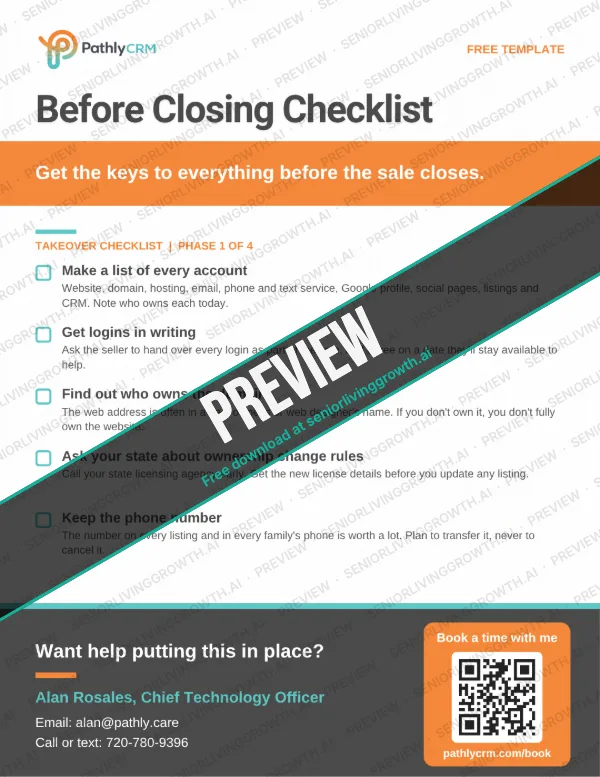
Get the keys to everything people use to find you.

  • Make a list of every account

    Website, domain, hosting, email, phone and text service, Google Business Profile, social pages, listing sites and any lead or CRM system. Write down who owns each one today.

  • Get logins in writing

    Ask the seller to hand over every login as part of the sale, not as a favor afterward. Agree on a date they'll stay available to help.

  • Find out who owns the domain

    The web address is often in a past owner's or web designer's name. If you don't own the domain, you don't fully own the website.

  • Ask your state about ownership change rules

    Call your state licensing agency early and ask what it needs for a change of ownership and when. Get the new license details before you update any listing.

  • Keep the phone number

    The number on every listing and every family's phone is worth a lot. Plan to transfer it to your name, never to cancel it.
Phase 2

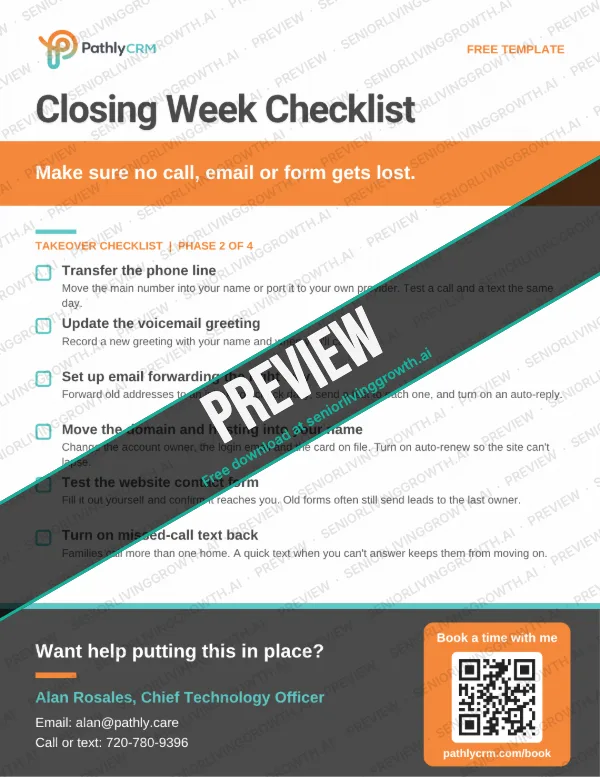
Closing week

Make sure no call, email or form gets lost.

  • Transfer the phone line

    Move the main number into your name or port it to your own provider. Test a call and a text from a cell phone the same day.

  • Update the voicemail greeting

    Record a new greeting with your name and when you'll call back. Use our free voicemail script if you need one.

  • Set up email forwarding the right way

    Forward the old addresses to an inbox you check daily, then send a test email to each one. Turn on an auto-reply so nobody waits on an inbox no one reads.

  • Move the domain and hosting into your name

    Change the account owner, the login email and the card on file. Turn on auto-renew so the website can't lapse.

  • Test the website contact form

    Fill it out yourself and confirm the message reaches you. Old forms often still send leads to the last owner.

  • Turn on missed-call text back

    Families call more than one home. A quick text when you can't answer keeps them from moving on.

Drowning in logins?!

Happy to move your phone line, texting and Google profile over for you. It starts with a free 30-minute call.

Phase 3

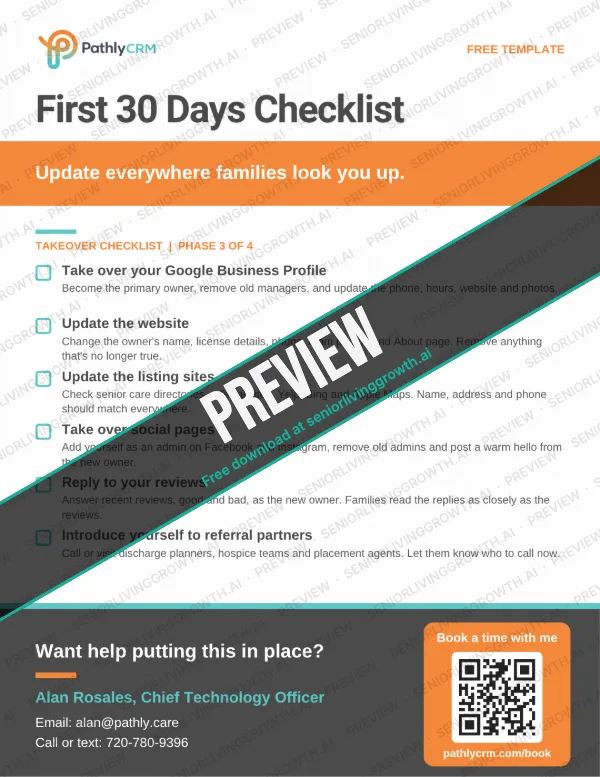
First 30 days

Update everywhere families look you up.

  • Take over your Google Business Profile

    Become the primary owner, remove managers who shouldn't have access, and update the phone, hours, website and photos.

  • Update the website

    Change the owner's name, license details, phone, team photos and About page. Remove anything that's no longer true.

  • Update the listing sites

    Check senior care directories and referral sites like A Place for Mom, Caring.com and Yelp, plus Bing and Apple Maps. The name, address and phone should match everywhere.

  • Take over social pages

    Add yourself as an admin on Facebook and Instagram, remove old admins and post a warm hello from the new owner.

  • Reply to your reviews

    Answer recent reviews, good and bad, as the new owner. Families read the replies as closely as the reviews.

  • Introduce yourself to referral partners

    Call or visit hospital discharge planners, hospice teams and placement agents. Let them know who to call now.

Phase 4

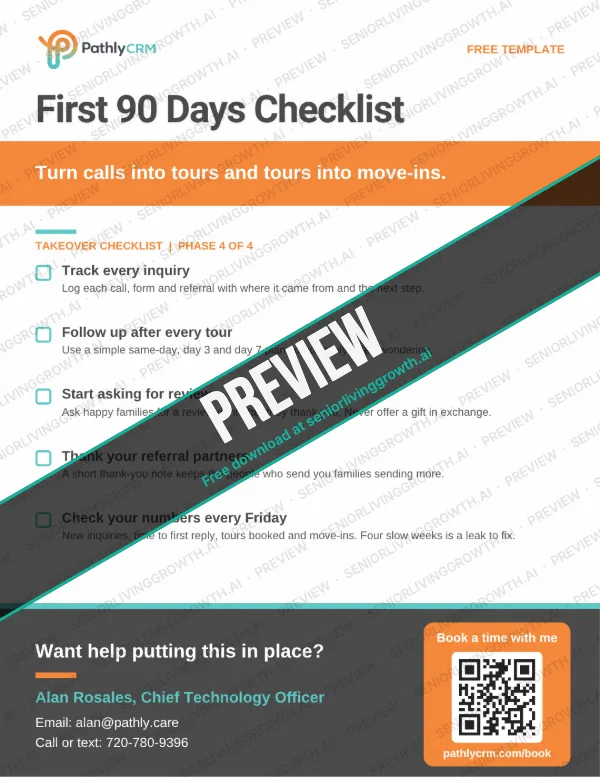
First 90 days

Turn calls into tours and tours into move-ins.

  • Track every inquiry

    Log each call, form and referral with where it came from and the next step. Our free weekly lead tracker is a good start.

  • Follow up after every tour

    Use a simple same-day, day 3 and day 7 plan so no family is left wondering.

  • Start asking for reviews

    Ask happy families for a review right after they thank you. Never offer a gift in exchange.

  • Thank your referral partners

    A short thank-you note keeps the people who send you families sending more.

  • Check your numbers every Friday

    Look at new inquiries, time to first reply, tours booked and move-ins. Four slow weeks is a leak to fix.

Leads piling up?!

Happy to set up follow-up and lead tracking so no family slips through. It starts with a free 30-minute call.

Share this checklist: Facebook LinkedIn Email it

Website checklist

Your website.
Ready for families.

Use this senior living website checklist to make sure your site answers what families ask first and makes booking a tour easy. It works for a brand new site, a redesign, or a quick check of the site you just took over.

Part 1

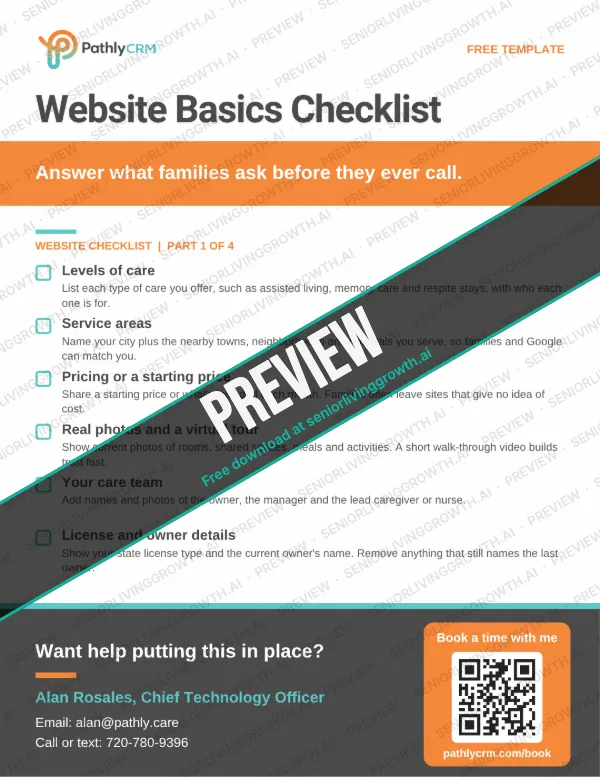
Answer the first questions

What every family wants to know before they call.

  • Levels of care

    List each type of care you offer, such as assisted living, memory care and respite stays, with a sentence on who each one is for.

  • Service areas

    Name your city plus the nearby towns, neighborhoods and hospitals you serve. This helps families and Google match you to local searches.

  • Pricing or a starting price

    Share a starting price or what's included in the monthly rate. Families often leave sites that give no idea of cost.

  • Real photos and a virtual tour

    Show current photos of rooms, shared spaces, meals and activities. A short walk-through video builds trust fast.

  • Your care team

    Add names and photos of the owner, the manager and the lead caregiver or nurse. Families want to see who will care for their loved one.

  • License and owner details

    Show your state license type and the current owner's name. Remove anything that still names the last owner.

Part 2

Make the next step easy

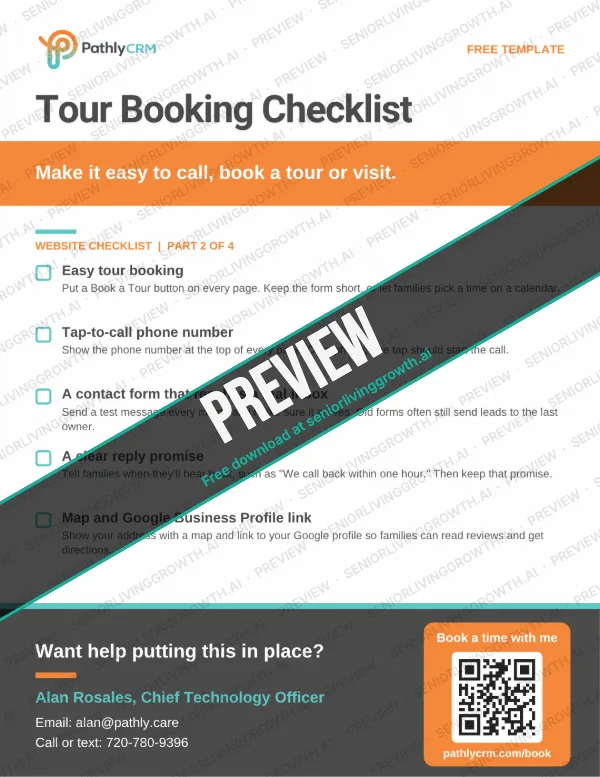
Every page should make it simple to call or visit.

  • Easy tour booking

    Put a Book a Tour button on every page. Keep the form short, or let families pick a time on a calendar.

  • Tap-to-call phone number

    Show the phone number at the top of every page. On a phone, one tap should start the call.

  • A contact form that reaches a real inbox

    Send a test message every month and make sure it arrives. Old forms often still send leads to the last owner.

  • A clear reply promise

    Tell families when they'll hear back, such as "We call back within one hour." Then keep that promise.

  • Map and Google Business Profile link

    Show your address with a map and link to your Google profile so families can read reviews and get directions.

Website stressing you out?!

Happy to look at it with you and show you what to fix first. It starts with a free 30-minute call.

Part 3

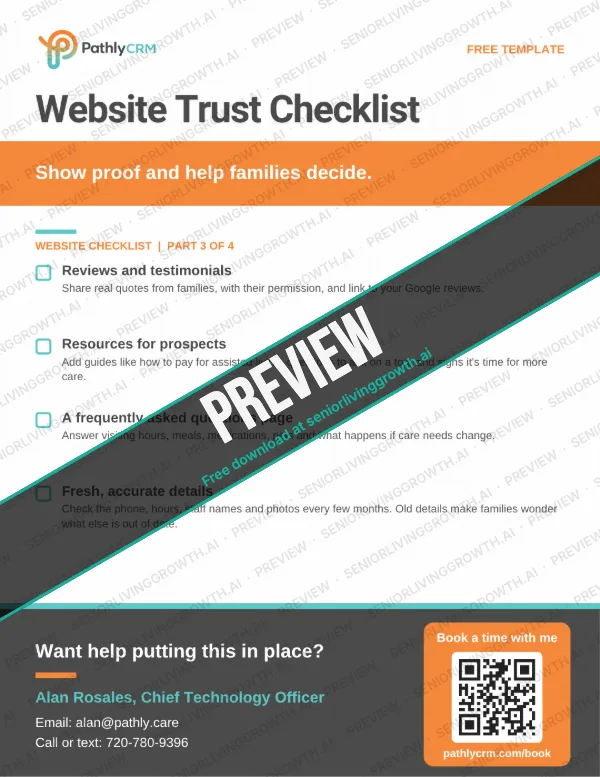
Help families trust you

Show proof and help them decide.

  • Reviews and testimonials

    Share real quotes from families, with their permission, and link to your Google reviews.

  • Resources for prospects

    Add helpful guides, such as how to pay for assisted living, questions to ask on a tour and signs it's time for more care.

  • A frequently asked questions page

    Answer the common questions: visiting hours, meals, medications, pets and what happens if care needs change.

  • Fresh, accurate details

    Check the phone, hours, staff names and photos every few months. Old details make families wonder what else is out of date.

Part 4

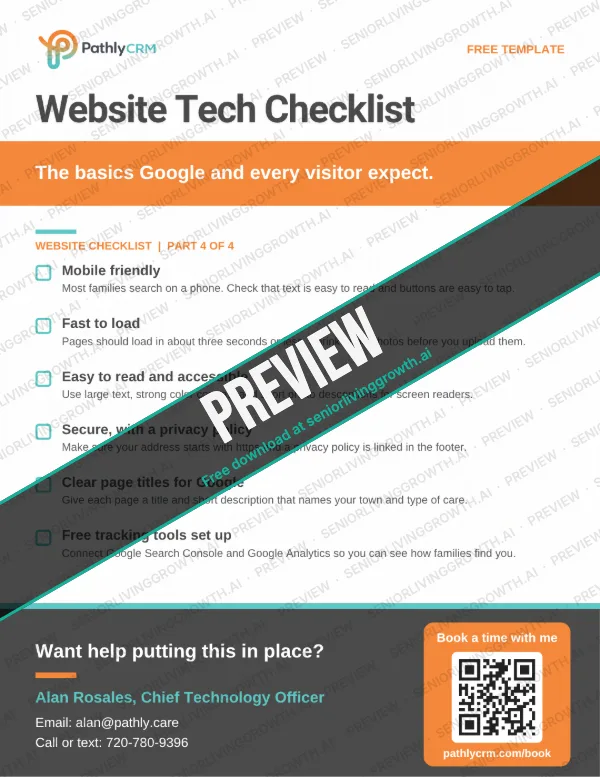
Make it work for everyone

The basics that Google and every visitor expect.

  • Mobile friendly

    Most families search on a phone. Check that text is easy to read and buttons are easy to tap.

  • Fast to load

    Pages should load in about three seconds or less. Shrink large photos before you upload them.

  • Easy to read and accessible

    Use large text, strong color contrast and short descriptions on photos for screen readers. Many visitors are seniors themselves.

  • Secure, with a privacy policy

    Make sure your address starts with https and that a privacy policy is linked in the footer.

  • Clear page titles for Google

    Give each page a title and short description that names your town and type of care, such as "Memory Care in Aurora, CO."

  • Free tracking tools set up

    Connect Google Search Console and Google Analytics so you can see how families find you.

Overwhelmed?!

Happy to help get this set up for you.

For new owners

More guides for
new owners.

Start with these, then see the newest articles for new owners below.

See all articles

Questions

Good to
know.

What should a new assisted living owner do first?

Make a list of every account people use to find you, from the phone number to the Google Business Profile, and get the logins in writing before the sale closes.

What should an assisted living website include?

At a minimum: your levels of care, the areas you serve, a starting price, real photos, your care team, an easy way to book a tour, a tap-to-call phone number, reviews and helpful guides for families. Use the website checklist on this page to check yours.

Should I keep the old phone number?

Yes, in almost every case. It's on every listing and in families' phones. Transfer it into your name instead of canceling it.

How do I take over a Google Business Profile?

Ask the current owner to make you the primary owner, then remove old managers. If they can't, Google has a request access process you can start from the profile.

Does this checklist replace my state's licensing steps?

No. It covers the marketing and tech side of a takeover. Always ask your state licensing agency what it needs for a change of ownership.

Is this checklist free to share?

Yes. Share it with your team, your broker or anyone buying a home. Print it with Ctrl+P or Cmd+P.

Want help with the tech side?

We'll move
it all
for you.

Pathly CRM can take over your Google profile, phone, texting and lead tracking. Build With Alan can refresh or rebuild your website.